
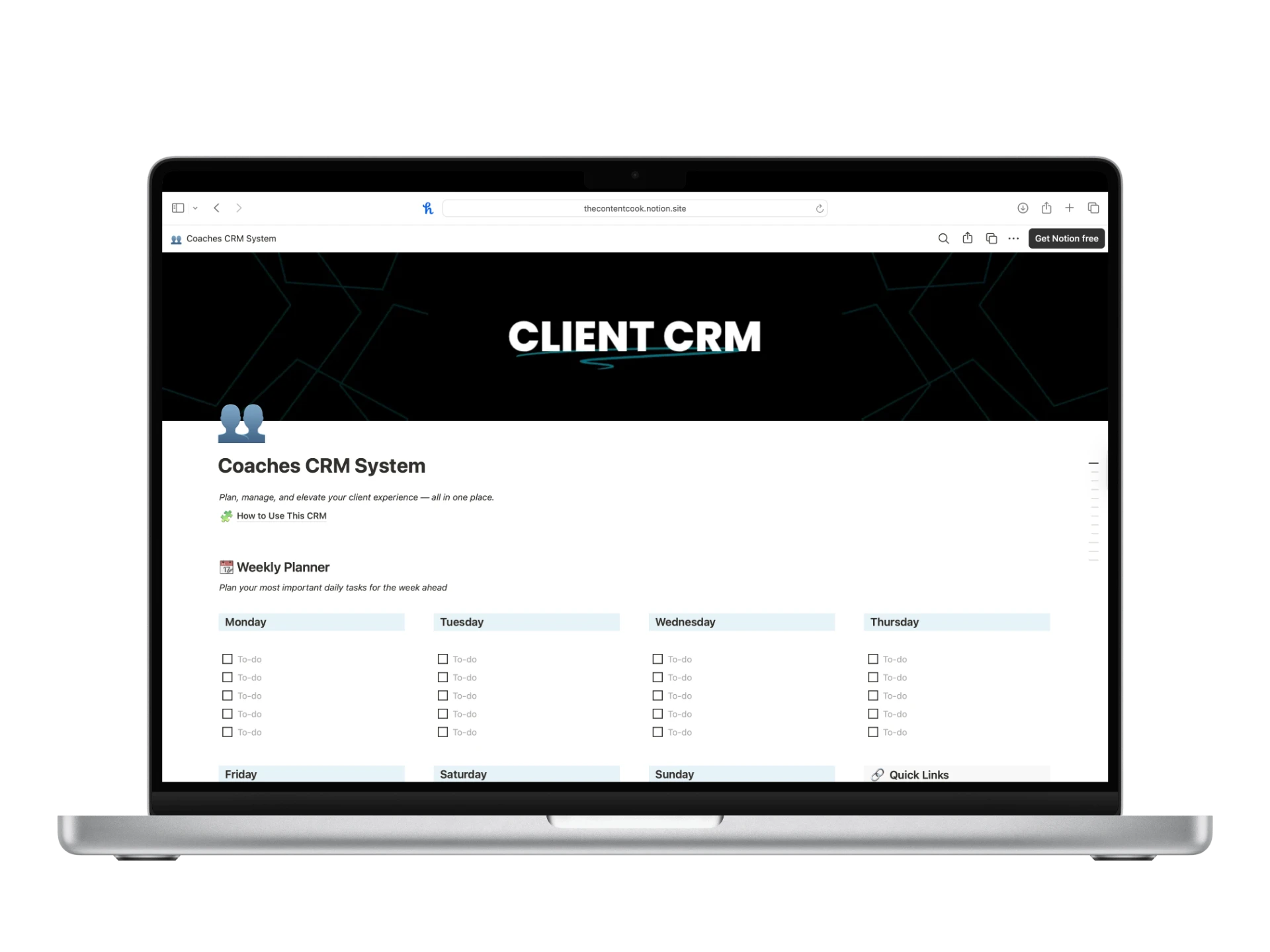
Most personal trainers don’t lose track of clients because they don’t care. They lose track because the details live in five places: a booking app, a notes app, WhatsApp, a spreadsheet started last January and their own memory.
A client-tracking system, or CRM, fixes that by putting one current answer to a few questions in one place. This guide covers what to track, how to run leads alongside clients, and how to choose between a spreadsheet, Notion, a coaching app and a general CRM. Prices and plans were checked on the providers’ own pages on 24 November 2026.
01 / The short answer
Track six things, in one place
For every person you coach or might coach, you need to be able to answer six questions at a glance:
- Are they a lead, an active client, paused or finished?
- What did they buy, and for how much?
- When does it renew, or how many sessions are left?
- When did you last hear from them?
- What’s the next thing you’ll do, and by when?
- Where are the notes?
A spreadsheet can answer all six. Move to Notion or an app when you find yourself updating the same fact in more than one place. Whatever you use, keep health details out of anything you share.
02 / The list
What to track: one row per client
Give every client one row and keep it current. These columns cover the six questions:
| Column | What goes in it | Why |
|---|---|---|
| Client | Name and how to reach them | Everything else hangs on this row |
| Status | Lead, Active, Paused or Ended | Filter to the people you’re actually coaching |
| Started | The date coaching began | Shows how long each client has stayed |
| Package | What they bought and the price | Renewal conversations and price reviews |
| Renews or sessions left | The renewal date, or sessions remaining on a pack | No surprise expiries |
| Last check-in | The date of the last check-in or session | Spots clients who have gone quiet |
| Next action | What you’ll do next, and by when | The column that turns a list into a system |
| Notes | A link to the client’s record | Keeps the detail, including health answers, out of the list |
Leave health answers, progress photos and anything sensitive out of the list itself. Link to the client’s record, kept somewhere with restricted access; section 10 covers why.
The records behind each row usually start with a consultation form and build up through weekly check-ins. Our onboarding guide covers keeping the next task visible in the first weeks.
03 / Leads
Leads: a simple pipeline
Leads go cold when nobody owns the next step. Track them with the same discipline as clients, using four stages:
- Enquiry. Someone has asked about training. Note where they came from.
- Consultation booked. A date is in the diary.
- Consultation done. You’ve made a recommendation and given the price.
- Signed up, or not now. A sign-up becomes a client row. “Not now” gets a follow-up date and a reason, if they gave one.
Every lead needs a next action and a date, just like a client. Our guide to getting personal training clients covers where enquiries come from and how to follow them up.
04 / Option 1
A spreadsheet
The quickest start. Google Sheets needs only a Google account, and its files count towards the 15GB of storage each account includes. Excel for the web is free to use online.
- Good for: your first clients, one coach, and getting the habit going before you spend anything.
- Where it strains: separate sheets for leads, payments and check-ins that all need updating, and no reminders unless you build them.
- Sharing: keep access restricted to named people rather than anyone with the link, and give view rather than edit access where you can. In Google Drive, editors can reshare a file by default, so turn that off for client records.
05 / Option 2
Notion
Notion lets client pages, check-ins, tasks and leads sit in linked databases in one workspace, which suits coaches who don’t want a full coaching app. Its Free plan is for individuals, with file uploads up to 5MB each and 512MB in total, seven days of page history and up to 10 guests. The Plus plan costs US$12 a month per seat, or US$10 billed yearly, and raises uploads to 5GB with 30 days of history.
- Good for: one place for leads, clients, check-ins and next actions, without paying per client.
- Where it strains: you build or adapt the structure yourself, and it doesn’t deliver workouts to clients’ phones.
- Templates: Notion’s fitness template collection is mostly workout and body trackers for individuals rather than systems for managing clients, so check what a template actually tracks before you build around it.
06 / Option 3
A coaching app
If you already deliver programmes and check-ins in an app, keep the client record there too: the check-ins, messages and progress are already attached to the client. Most of the apps in our workout apps comparison have check-ins built in, and our check-in guide compares which do what.
- Good for: online coaching where the app is already the centre of the service.
- Where it strains: leads often live outside it, and most apps price by client, so a big lead list doesn’t belong there. Keep a simple lead list alongside.
07 / Option 4
A general CRM
Sales CRMs are built for leads and follow-ups, and several have free plans:
- HubSpot: free for up to two users and 1,000 contacts.
- Capsule: free for two users, 250 contacts and one sales pipeline.
- ClickUp: Free Forever, with unlimited tasks and 60MB of storage.
They’re strong at the lead stage and at reminders. They aren’t built around check-ins or programmes, and a sales tool isn’t the place for health information.
08 / Choosing
How to choose
| If… | Start with |
|---|---|
| You have a handful of clients and coach on your own | A spreadsheet |
| You want leads, clients, check-ins and tasks in one place, without a coaching app | Notion |
| You already deliver programmes and check-ins in an app | The app’s client records, plus a simple lead list |
| Most of your admin is following up leads | A general CRM’s free plan for the pipeline |
Two coaching-software companies put the point where a spreadsheet stops coping at around 10 to 15 active clients (Trainerize) or somewhere between 15 and 30 (Coachway). Both sell the alternative, so treat those figures as their view. The more reliable sign is in your own week: when you’re updating the same fact in more than one place, or finding out about a renewal after it’s passed, it’s time to move.
09 / Every week
A ten-minute weekly review
A system only works if it’s current. Once a week, at the same time, go through four views:
- Next actions due. Anything due this week, done or rescheduled.
- Renewals coming up. Packages renewing or running out in the next two weeks, so the conversation happens before the end date.
- Quiet clients. Anyone you haven’t heard from in more than a week. Our retention guide covers what to do when a client drifts.
- Leads to follow up. Every lead with a follow-up date this week.
10 / Security
Keeping it secure
Client records are personal data, and health details are special category data with extra rules. Our forms guide covers what that means for a coach, including consent and how long to keep records. The practical basics:
- One restricted place for health details. Not the shared list, not email threads, not downloads folders.
- Protect the accounts. The National Cyber Security Centre’s guide for small organisations names online storage such as Google Drive and OneDrive among the accounts to protect. Use a passkey where the service offers one; otherwise a strong, unique password with two-step verification.
- Remove access you no longer need. The same guidance recommends removing accounts that people no longer use, such as a former assistant’s.
- Delete on schedule. Decide how long you keep records after coaching ends, tell clients, and stick to it.
This is general information, not legal advice.
11 / Questions
Questions trainers ask
Do I need a CRM as a personal trainer?
You need one current list of who’s a lead, who’s a client, what they’ve bought and what happens next. Whether that’s called a CRM matters less than whether you keep it up to date. A spreadsheet can do the job.
Can I use Google Sheets for client records?
For the list, yes. Keep health answers in a separate, restricted record, restrict sharing to named people, and protect the Google account with two-step verification or a passkey.
Is Notion free?
Its Free plan is for individuals, with limits on file uploads (5MB each, 512MB in total), page history (seven days) and guests (10). Plus costs US$12 a month, or US$10 a month billed yearly.
What’s the difference between a CRM and a coaching app?
A coaching app delivers programmes, check-ins and messages to clients. A CRM tracks relationships and next steps, including leads who aren’t clients yet. Some apps cover part of both; few handle leads well.
How long should I keep client records?
Only as long as you need them for the reasons you’ve told clients. Decide the period, write it in your privacy notice and delete on schedule. Our forms guide covers the data protection basics.
The Notion CRM
Your clients and next steps,
already set up.
A Notion workspace with a client database and a page for each client, a weekly check-in database and progress tracker, tasks for your next coaching action and a lead-to-client pipeline. Duplicate it into your own account; it works with Notion Free.
Explore the Notion CRM