
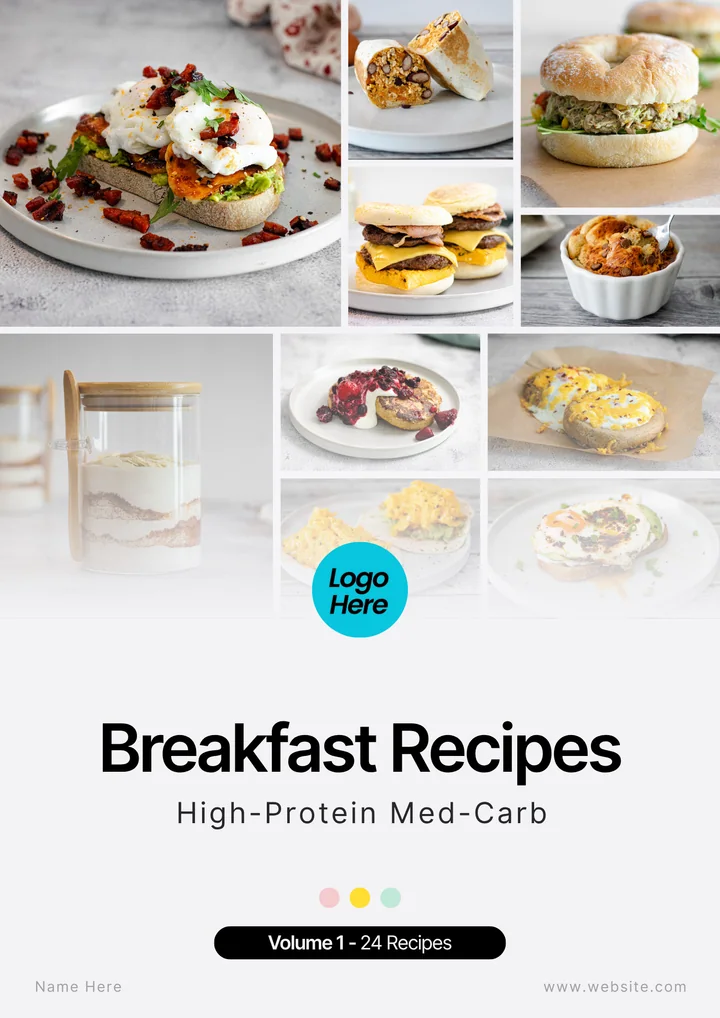
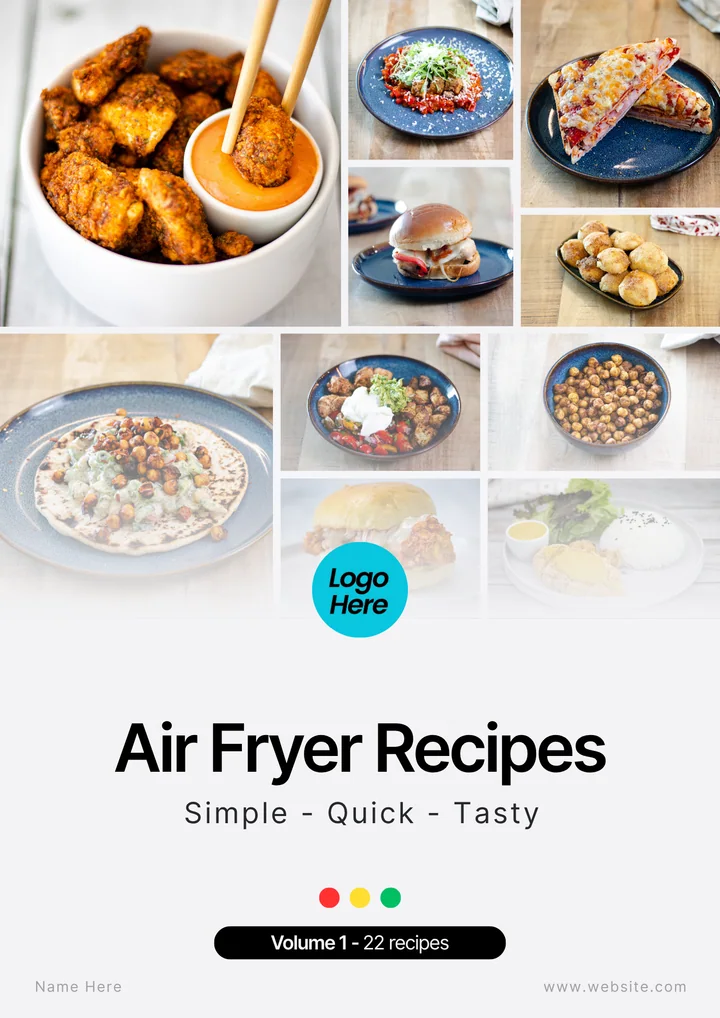
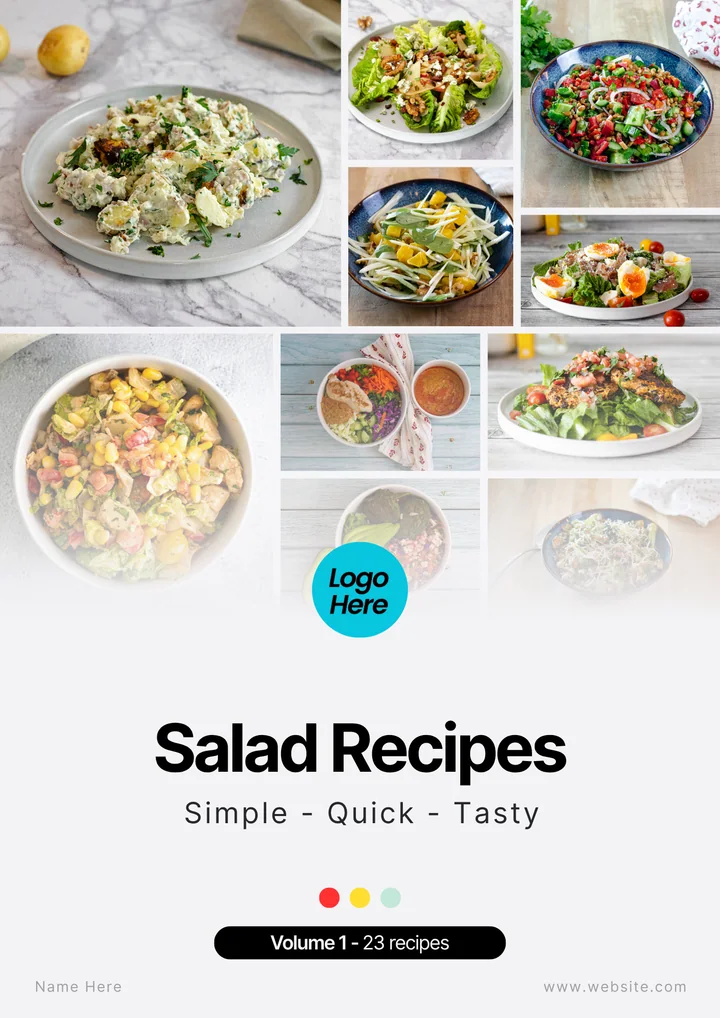
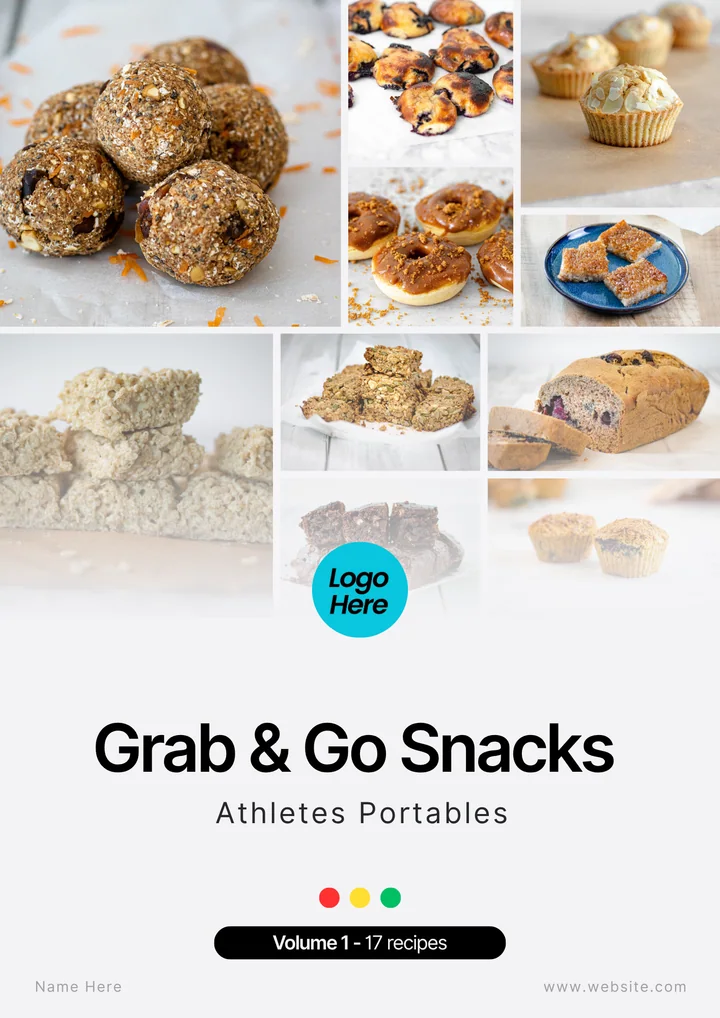
Most clients don’t need another list of foods to eat more of. They need to know what to make on Tuesday.
A recipe ebook answers that question in a form they can keep on their phone and open in the kitchen. Built well, it also does something for your business: it shows clients what your advice looks like on a plate, and it can become a product in its own right.
This guide walks through the whole process: deciding what the book is for, getting recipes you’re allowed to use, building pages clients can cook from, checking the numbers, and then delivering or selling the finished file.
- 01Decide its job
- 02Gather recipes
- 03Check and design
- 04Deliver or sell
01 / Purpose
Give the book one job
A book called “Healthy Recipes” tries to serve everyone and ends up hard to choose from. A book with one job is easier to write and easier for a client to use.
Describe the job in a sentence that names who it’s for and the problem it solves:
- “Quick high-protein breakfasts for clients who usually skip breakfast.”
- “Dinners that work from the freezer for clients on shift patterns.”
- “Takeaway-style meals for weekends, so the plan survives Friday night.”
Decide early, too, whether the book is a client resource, a product you’ll sell, or both. That choice affects which recipes you can use, how polished the book needs to be and what you’ll need to check before anyone pays for it.
02 / Scope
Choose a theme and a size
Themes that work for clients usually follow one of four patterns:
- Meal: breakfasts, lunches, dinners, snacks or smoothies.
- Nutrition profile: high-protein, or grouped by carbohydrate level so clients can match meals to their day.
- Method: air fryer, one-pan, batch-cook or no-cook.
- Situation: food to take to work, meals for training days, plant-based eating.
You don’t need hundreds of recipes. The books in our own collection range from 14 to 64 recipes, and most hold between 15 and 24. That’s enough for variety within one theme without becoming a catalogue nobody finishes.
03 / Rights
Use recipes you have rights to
There are three realistic sources:
- Your own recipes. Develop and cook them yourself, and take or commission the photographs.
- Commissioned recipes. Pay a recipe developer, and get written confirmation of what you can do with the recipes and photos, including selling them.
- Licensed recipes. Buy white-label or similar content whose licence covers the way you plan to use it. Our comparison of white-label and PLR sets out what to check.
What you shouldn’t do is copy recipes from websites, cookbooks or apps. The US Copyright Office says that a mere listing of ingredients isn’t protected, but a recipe written with substantial explanation, or a collection such as a cookbook, can be, and its guidance on works not protected notes that the text and photographs can be registered. In the UK, copyright protects original writing and photography automatically, and there’s no official guidance specific to recipes, so treat other people’s methods and photos as protected.
Taking an idea and writing it up in your own words, from your own cooking, with your own photos, is a different thing from rewriting someone else’s method line by line. If you’re unsure about a particular source, take advice before you sell anything built on it.
04 / The recipe page
What each recipe page needs
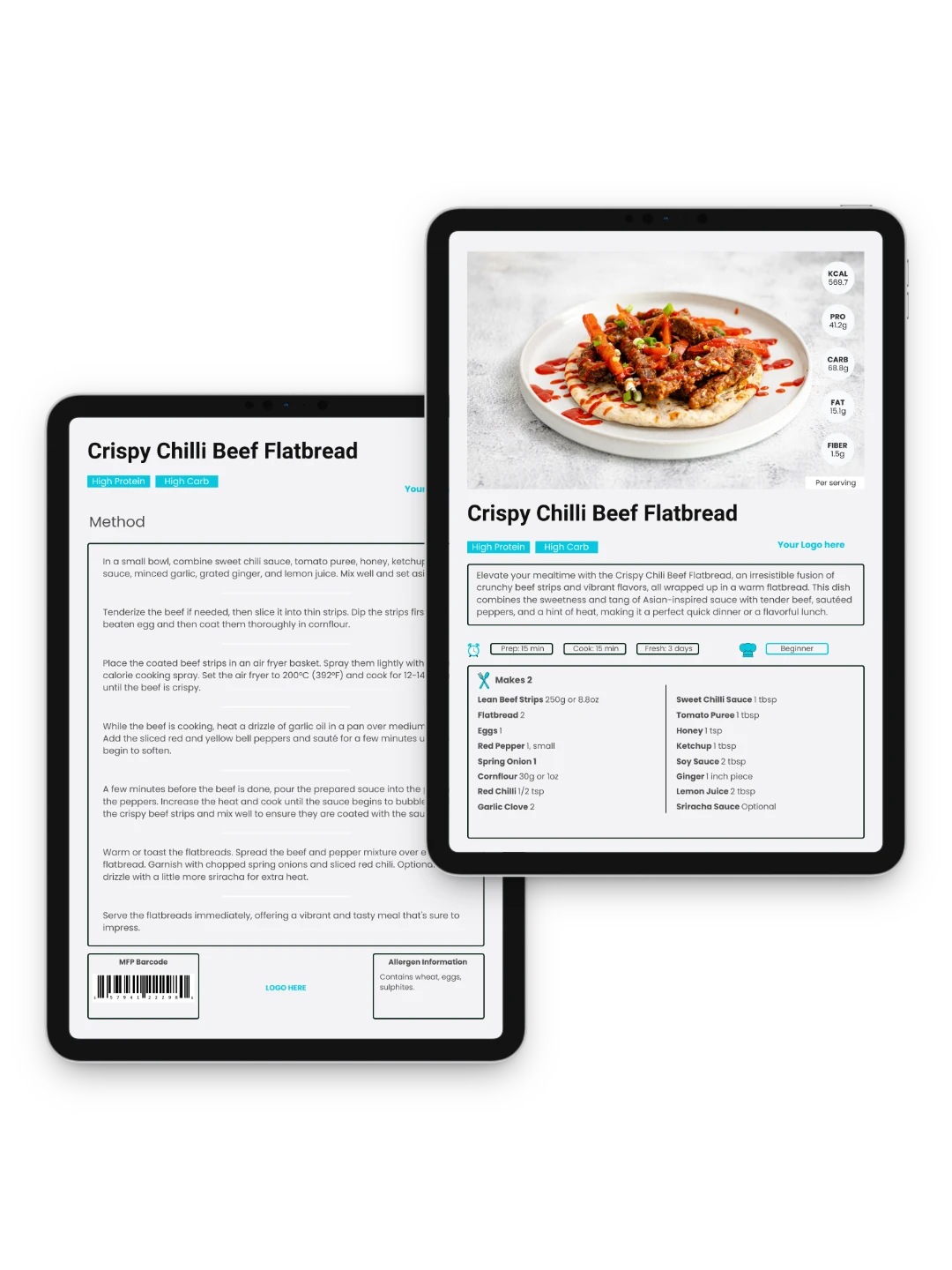
A client should be able to shop and cook from the page without messaging you. Every recipe needs:
| Element | Why it matters |
|---|---|
| Servings | “Makes 2” tells the client how much to buy, and what the nutrition values refer to. |
| Time | Prep and cooking time help a client choose a recipe that fits the evening they’re having. |
| Ingredients with weights | Grams, with household measures where useful, and ounces if you coach clients in the US. |
| Numbered method | Short steps, in the order they happen, with oven temperatures and timings. |
| Nutrition per serving | At least energy, protein, carbohydrate and fat, calculated as described below. |
| Allergens | A clear list, with a reminder to check product packaging. |
| Storage and swaps | How long it keeps, whether it freezes and one or two sensible substitutions. |
| A photo of this recipe | It shows the client what they’re aiming for. If you change a recipe substantially, change or remove the photo. |
05 / The numbers
Nutrition and allergens
Clients will log these numbers and plan around them, so work them out rather than estimating.
- Use a food composition database. In the UK, CoFID (McCance and Widdowson’s dataset) covers commonly eaten foods; in the US, FoodData Central is the government equivalent. Nutrition software built on these databases makes the arithmetic quicker.
- Be consistent about weights. Decide whether ingredients are weighed raw or cooked, and say so.
- Divide by the right number. Check that per-serving values match the “Makes” line. It’s an easy mistake to calculate for four and print “Makes 2”.
- Say what the figures are. A short note such as “Nutrition per serving, calculated from food composition data. Values vary with brands and portions” sets fair expectations.
For allergens, the 14 allergens that UK food businesses must declare make a sensible checklist: celery, cereals containing gluten, crustaceans, eggs, fish, lupin, milk, molluscs, mustard, tree nuts, peanuts, sesame, soya, and sulphur dioxide and sulphites (gov.uk allergen guidance). A recipe book isn’t food, but clients with allergies will rely on your labels, so remind them to check the packaging of the products they buy.
Keep the language modest. “High in protein” describes a recipe; “fat-burning” makes a claim you can’t support. If you add MyFitnessPal barcodes or similar logging shortcuts, check they carry the same per-serving values as the page, especially after any edit.
06 / Design
Design it to be used
A recipe ebook is read in a kitchen, often on a phone, with one hand. Design for that:
- a cover that says what’s inside, such as “Breakfasts · High-protein, low-carb · 15 recipes”;
- a contents page, so clients can find a recipe without scrolling through all of them;
- the same layout on every recipe, so ingredients and method are always in the same place;
- large enough text and good contrast, checked on a phone screen, not only on your laptop.
Canva works well for this. Its plan comparison includes PDF export on the free plan; print-ready CMYK export needs a paid plan, which only matters if you’re sending the book to a commercial printer. Our Canva branding videos show how to add your logo, change colours and fonts throughout a book, and export it.
Starting from a template
A recipe ebook template in Canva gives you a cover, a contents page and a recipe layout to start from, so your time goes into the recipes rather than the design. When you compare templates, check that it has:
- a recipe layout with space for ingredients, method, servings and nutrition;
- room for allergen information on every recipe;
- a cover and contents page you can change;
- a licence that covers how you’ll use the finished book, especially if you plan to sell it.
A template gives you the design but not the recipes. If you’d rather start with both, our Recipe Book Bundle has 31 editable recipe books with the recipes, photos, macros and MyFitnessPal barcodes already in place, ready for your branding.
07 / Testing
Test it before it goes out
- Cook a sample. If you wrote the recipes, cook a few from the finished pages, exactly as written.
- Read it on a phone. Check that the text is legible and the contents page makes sense on a small screen.
- Check every number. Servings, weights, temperatures, nutrition values and any barcodes.
- Proofread. Ingredient names, spelling and units, including any conversions to ounces or cups.
- Check the file. A very large PDF can be awkward to email or download on mobile data; Canva’s export settings offer a smaller file.
08 / Delivery
Deliver it to clients
A recipe book works best when it arrives with a reason. Send it when a client has said meals are the hard part, or include it in your welcome pack with one instruction: “Pick two breakfasts to try this week.”
At the next check-in, ask which recipes they made and what got in the way of the others. The answers tell you whether the book fits their life, and what the next one should be. Our guide to nutrition handouts covers the same follow-up habit for guides and worksheets.
If you use a coaching app, you may be able to upload the book or individual recipes to your private client area. Check that your licence allows it if the recipes aren’t your own.
09 / Selling
If you sell it
Selling the same book to your wider audience is a reasonable next step, but a paying customer brings a few extra responsibilities.
Make sure you can sell it
With your own recipes and photos, you can. With licensed content, the licence must allow selling finished copies, and it may limit where. The Content Cook’s licence, for example, lets you sell finished, branded books directly to your own audience for their personal use. Your website can show the product and its branded cover, but not publish the recipes or photographs openly. Tell buyers the book is for their personal use and may not be shared or resold. The licensing terms have the details.
Choose where to sell
Your own website, a checkout link or a digital download platform all work. If you’re thinking of a marketplace, check your licence covers it first.
Know the rules for digital products
- Cancellation rights. In the UK, buyers of digital downloads normally have 14 days to cancel. They lose that right when the download starts only if they agreed to immediate access and acknowledged they would lose it, and you confirm this in the order confirmation. Without those steps, they keep it.
- Tax. If you’re VAT-registered in the UK, e-books have been zero-rated since May 2020, although material mainly for filling in, such as a planner, is standard-rated. Selling to consumers in the EU usually means charging VAT at the buyer’s country rate, which the One Stop Shop lets you report in one place. Irish sellers will find the details on Revenue’s site.
None of this is legal or tax advice. Rules differ by country, so check with an accountant or adviser where you trade.
Price it as part of your offer
A recipe book can stand alone or lead into coaching. Think about where it sits: a low-priced book can introduce people to how you work, while a book included in coaching adds value to the programme. Avoid discounting it so far that it seems unrelated to the service you actually sell.
10 / Before you publish
Your ebook checklist
| Check | Ask |
|---|---|
| Purpose | Can you describe who the book is for and what problem it solves in one sentence? |
| Rights | Do you own, have commissioned or have licensed every recipe and photo for this use? |
| Recipe pages | Does every recipe have servings, time, weighed ingredients, a numbered method, nutrition, allergens and storage notes? |
| Numbers | Have nutrition values been calculated per serving and rechecked after any edit? |
| Language | Are the descriptions modest, with no health claims you can’t support? |
| Design | Is there a contents page, and is it readable on a phone? |
| Testing | Have you cooked a sample, proofread and checked every barcode and link? |
| Selling | Have you checked cancellation rights, tax and what buyers may do with the file? |
The Recipe Book Bundle
Skip the blank page.
Start with 31 books.
600+ recipes with photos, grams and ounces, macros, MyFitnessPal barcodes and allergen labels, in 31 themed books. Add your brand in Canva Free, then share them with clients or sell the finished books to your own audience.
Explore the Recipe Book Bundle